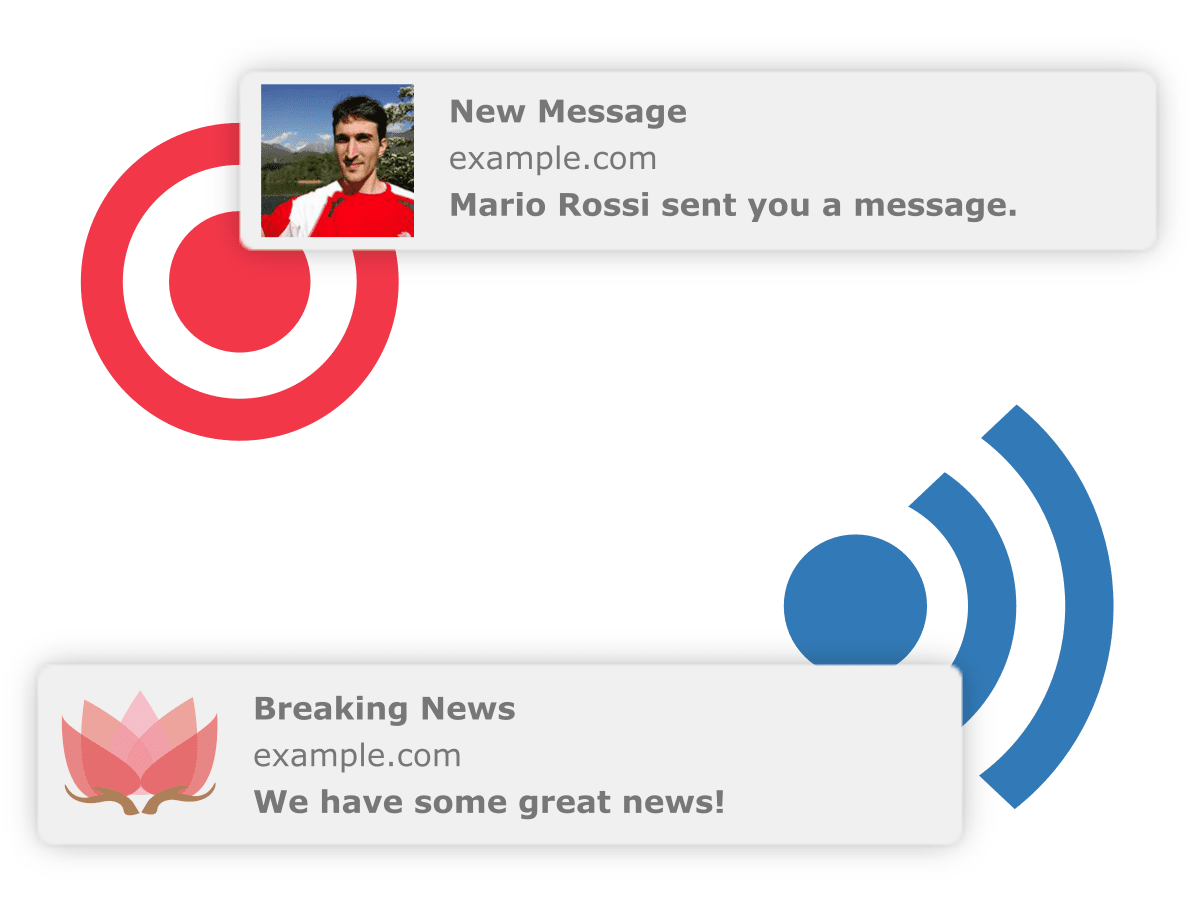
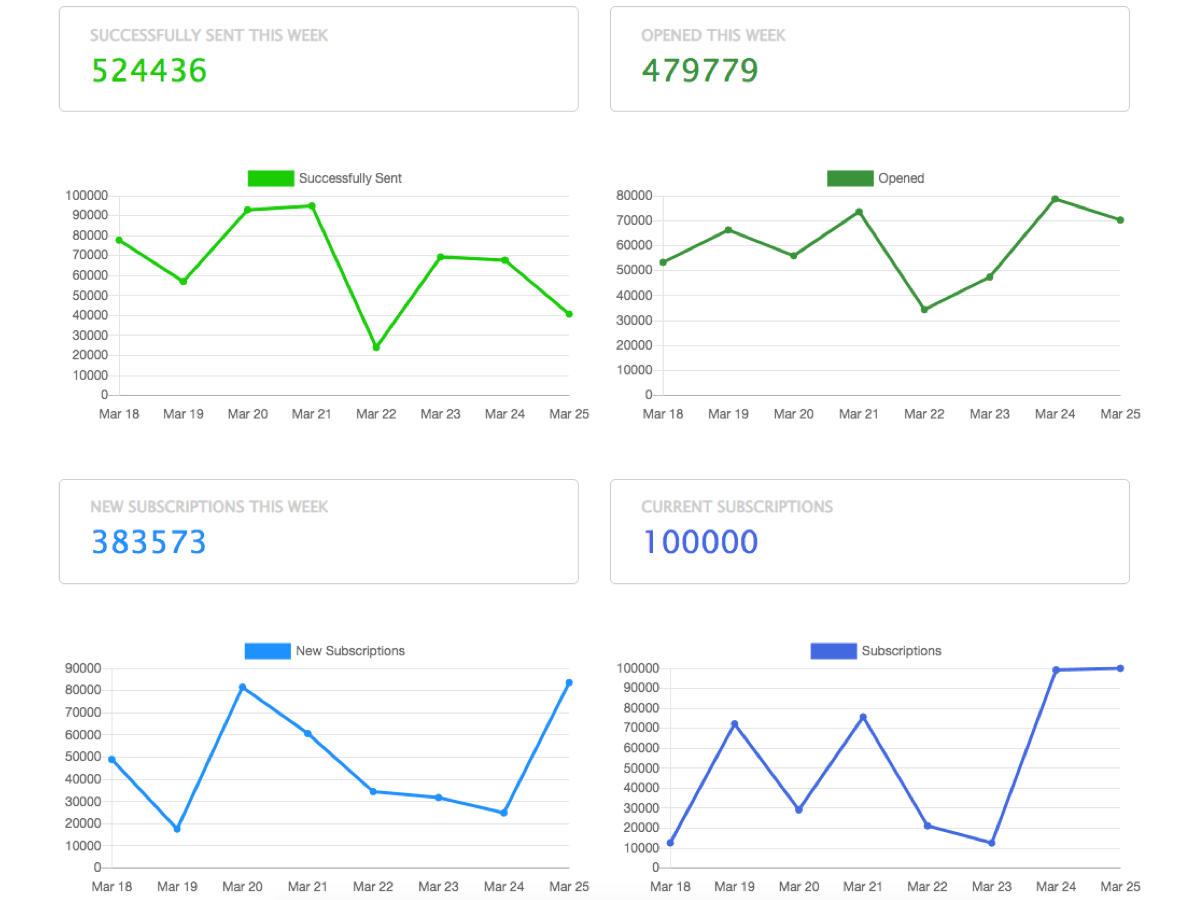
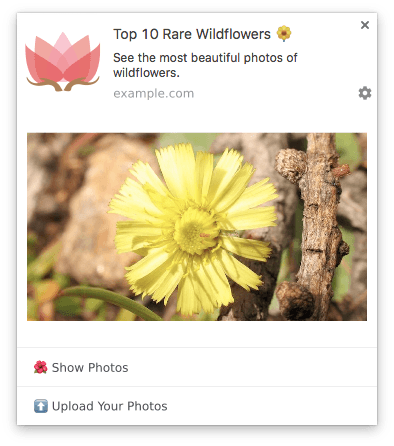
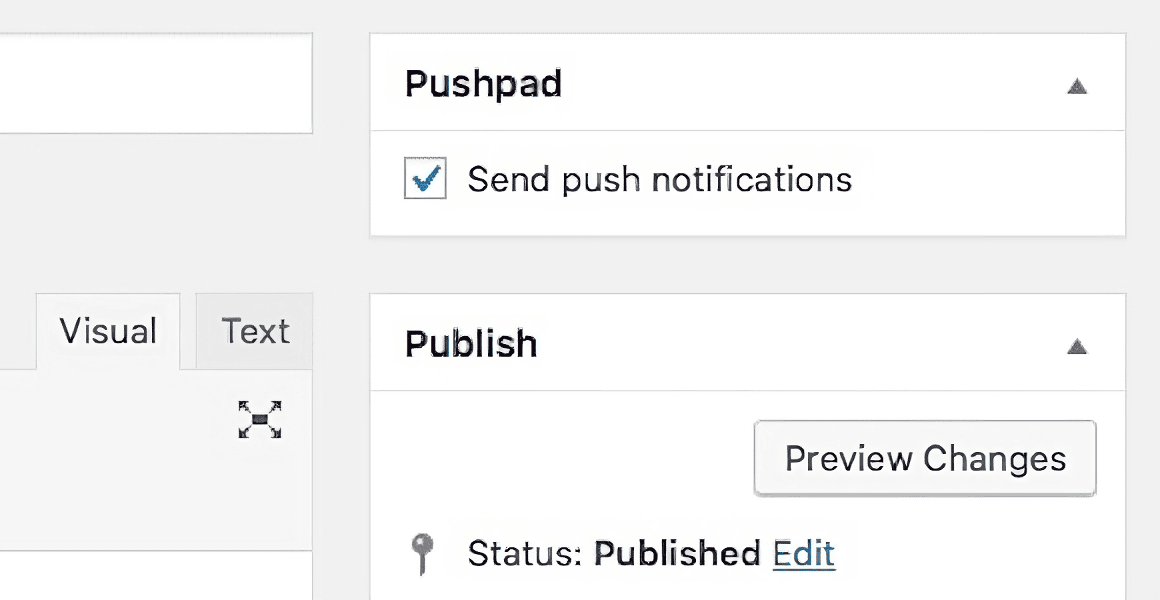
You can send notifications manually from the dashboard or automate them using the REST API or one of our libraries. An OpenAPI specification is also available and we provide a Zapier app for RSS feeds and other integrations.
notification = Pushpad::Notification.new({
  title: "Web Notification Example",
  body: "Hello world!",
  target_url: "https://example.com"
})

# deliver to specific users
notification.deliver_to ["user1", "user2"]

# deliver to segments
notification.broadcast tags: ['tag1', 'tag2']

# deliver to everyone
notification.broadcast
Pushpad\Pushpad::$authToken = AUTH_TOKEN;
Pushpad\Pushpad::$projectId = PROJECT_ID;

Pushpad\Notification::create([
  'title' => "Web Notification Example",
  'body' => "Hello world!",
  'target_url' => "https://example.com"
]);

// deliver to specific users
Pushpad\Notification::send([
  'body' => "Hello world!",
  'uids' => ["user1", "user2"]
]);

// deliver to segments
Pushpad\Notification::send([
  'body' => "Hello world!",
  'tags' => ["tag1", "tag2"]
]);

// deliver to everyone
Pushpad\Notification::send([
  'body' => "Hello world!"
]);
import Pushpad from "pushpad";
const pushpad = new Pushpad({ authToken, projectId });

const result = await pushpad.notification.create({
  title: 'Web Notification Example',
  body: 'Hello world!',
  target_url: 'https://example.com'
});

// deliver to specific users
await pushpad.notification.send({
  body: 'Hello world!',
  uids: ['user1', 'user2']
});

// deliver to segments
await pushpad.notification.send({
  body: 'Hello world!',
  tags: ['tag1', 'tag2']
});

// deliver to everyone
await pushpad.notification.send({
  body: 'Hello world!'
});
from pushpad import Pushpad

client = Pushpad(auth_token=AUTH_TOKEN, project_id=PROJECT_ID)

client.notifications.create(
    title="Web Notification Example",
    body="Hello world!",
    target_url="https://example.com"
)

# deliver to specific users
client.notifications.send(body="Hello world!", uids=["user1", "user2"])

# deliver to segments
client.notifications.send(body="Hello world!", tags=["tag1", "tag2"])

# deliver to everyone
client.notifications.send(body="Hello world!")
Pushpad pushpad = new Pushpad(authToken, projectId);

NotificationCreateParams params = new NotificationCreateParams()
    .setTitle("Web Notification Example")
    .setBody("Hello world!")
    .setTargetUrl("https://example.com");

NotificationCreateResponse res = pushpad.notifications().create(params);

// deliver to specific users
pushpad.notifications().send(new NotificationCreateParams()
    .setBody("Hello world!")
    .setUids(List.of("user1", "user2")));

// deliver to segments
pushpad.notifications().send(new NotificationCreateParams()
    .setBody("Hello world!")
    .setTags(List.of("tag1", "tag2")));

// deliver to everyone
pushpad.notifications().send(new NotificationCreateParams()
    .setBody("Hello world!"));
pushpad.Configure(authToken, projectID)

n := notification.NotificationCreateParams{
  Title: pushpad.String("Web Notification Example"),
  Body: pushpad.String("Hello world!"),
  TargetURL: pushpad.String("https://example.com"),
}
res, err := notification.Create(&n)

// deliver to specific users
n := notification.NotificationCreateParams{
  Body: pushpad.String("Hello world!"),
  UIDs: pushpad.StringSlice([]string{"user1", "user2"}),
}
res, err := notification.Send(&n)

// deliver to segments
n := notification.NotificationCreateParams{
  Body: pushpad.String("Hello world!"),
  Tags: pushpad.StringSlice([]string{"tag1", "tag2"}),
}
res, err := notification.Send(&n)

// deliver to everyone
n := notification.NotificationCreateParams{
  Body: pushpad.String("Hello world!"),
}
res, err := notification.Send(&n)
curl -X POST 'https://pushpad.xyz/api/v1/projects/PROJECT_ID/notifications' \
  -H 'Authorization: Token token="AUTH_TOKEN"' \
  -H 'Content-Type: application/json' \
  -H 'Accept: application/json' \
  -d '{
    "notification": {
      "title": "Web Notification Example",
      "body": "Hello world!",
      "target_url": "https://example.com"
    },
    "uids": ["user1", "user2"],
    "tags": ["tag1", "tag2"]
  }'

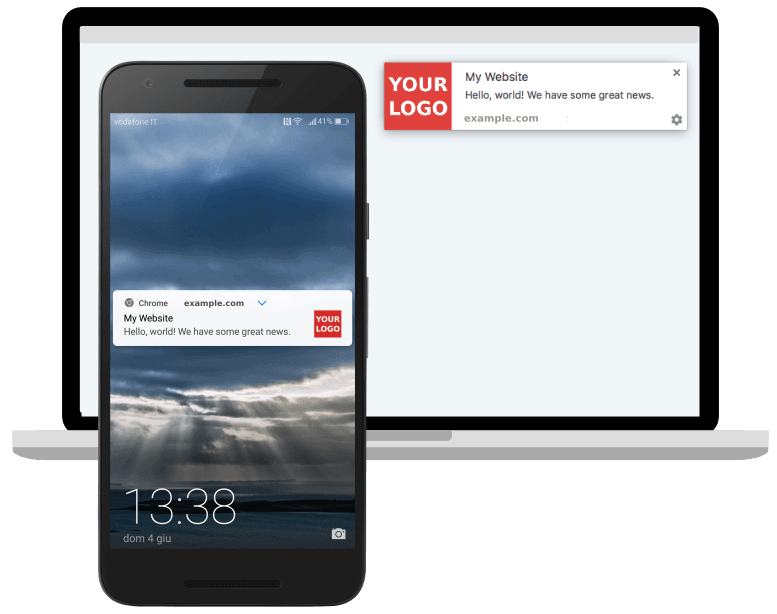






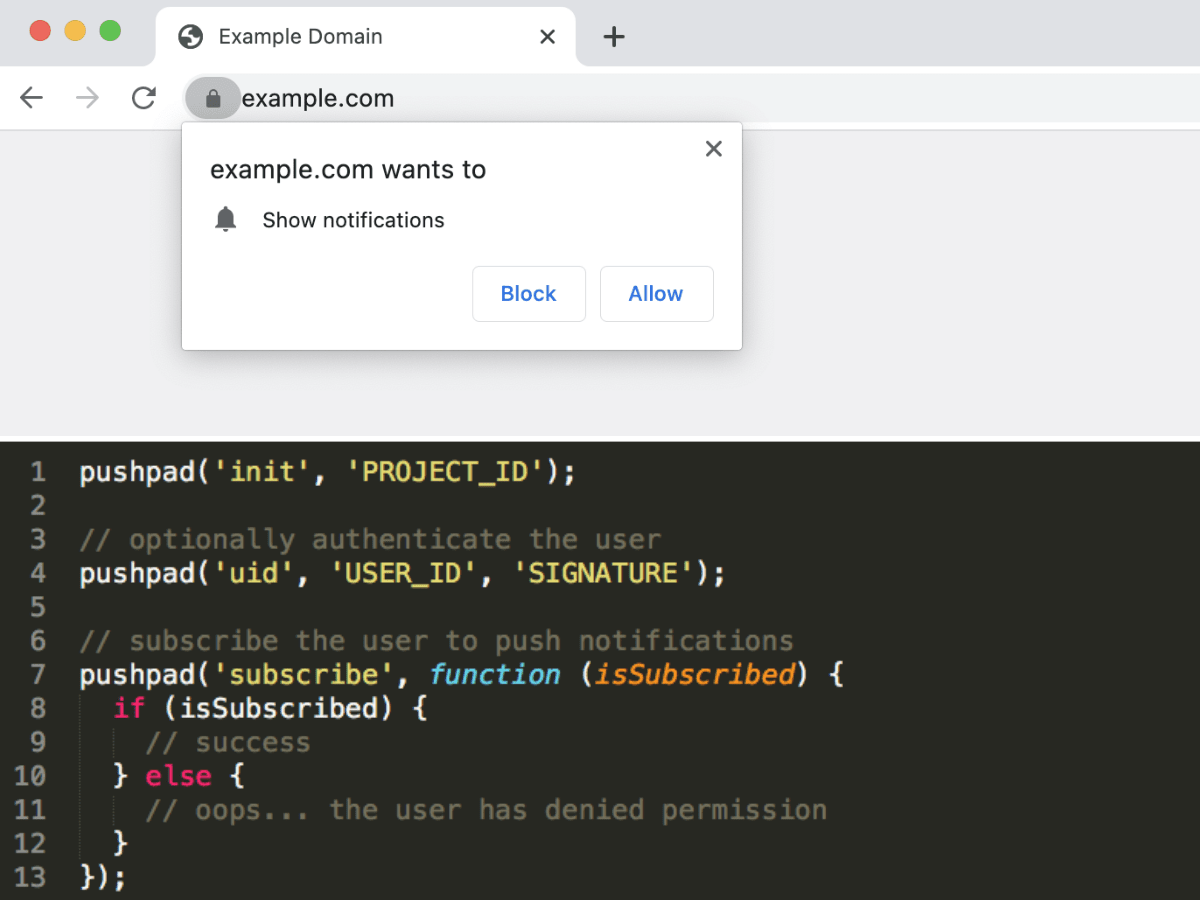
 Manual
 Ruby
Ruby PHP
PHP Node.js
 Python
 Java
Java Go
Go Curl
Curl